
This guide covers update data source settings in Gutenburg. Once satisfied with the list, click 'Update Settings'.
Workflow
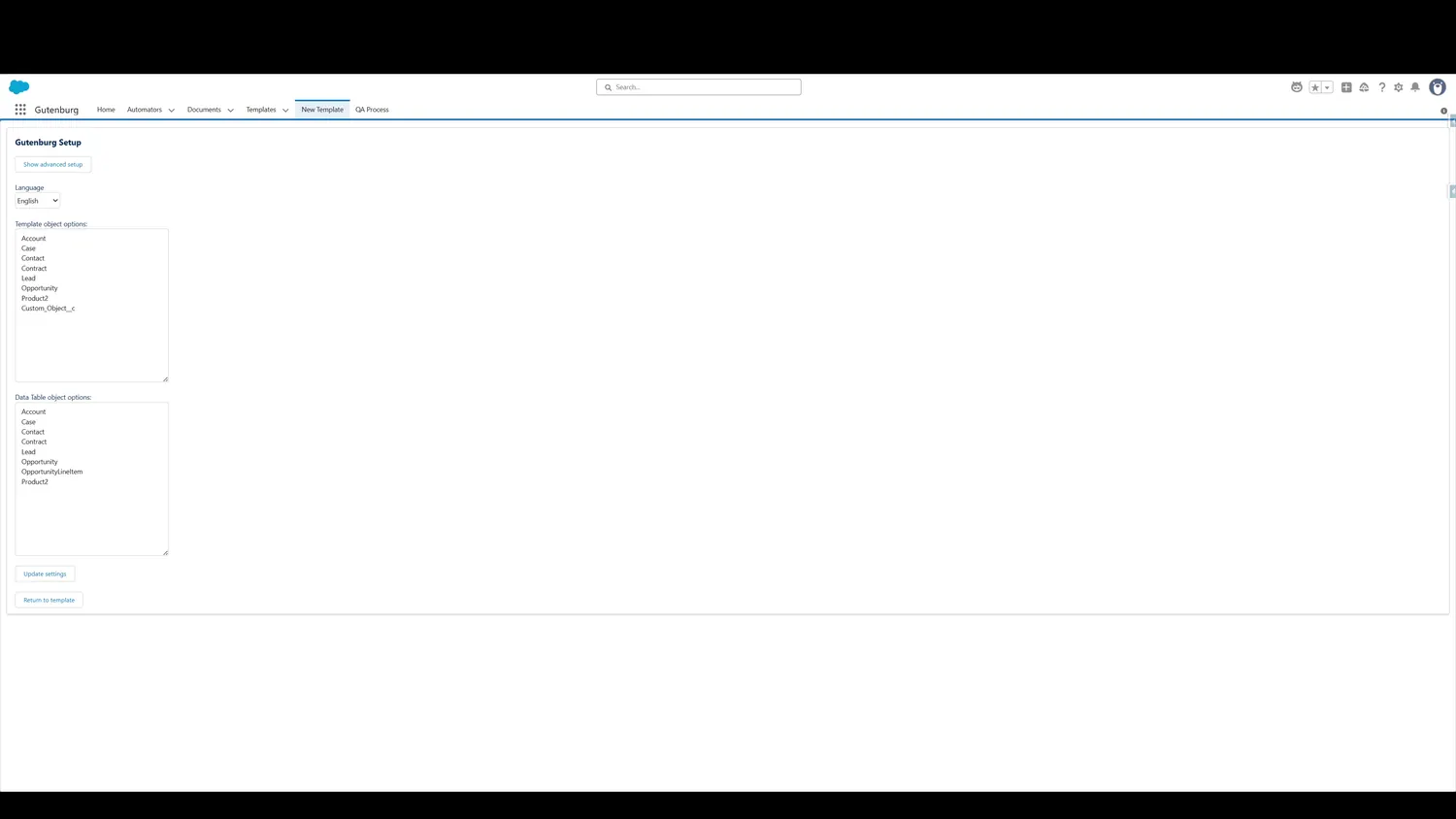
- Click Update SettingsOnce satisfied with the list, click 'Update Settings'.
- Updated Object ListNow, the additional object will appear in the list.
Controls and settings
- Click Update SettingsOnce satisfied with the list, click 'Update Settings'.
- Updated Object ListNow, the additional object will appear in the list.