
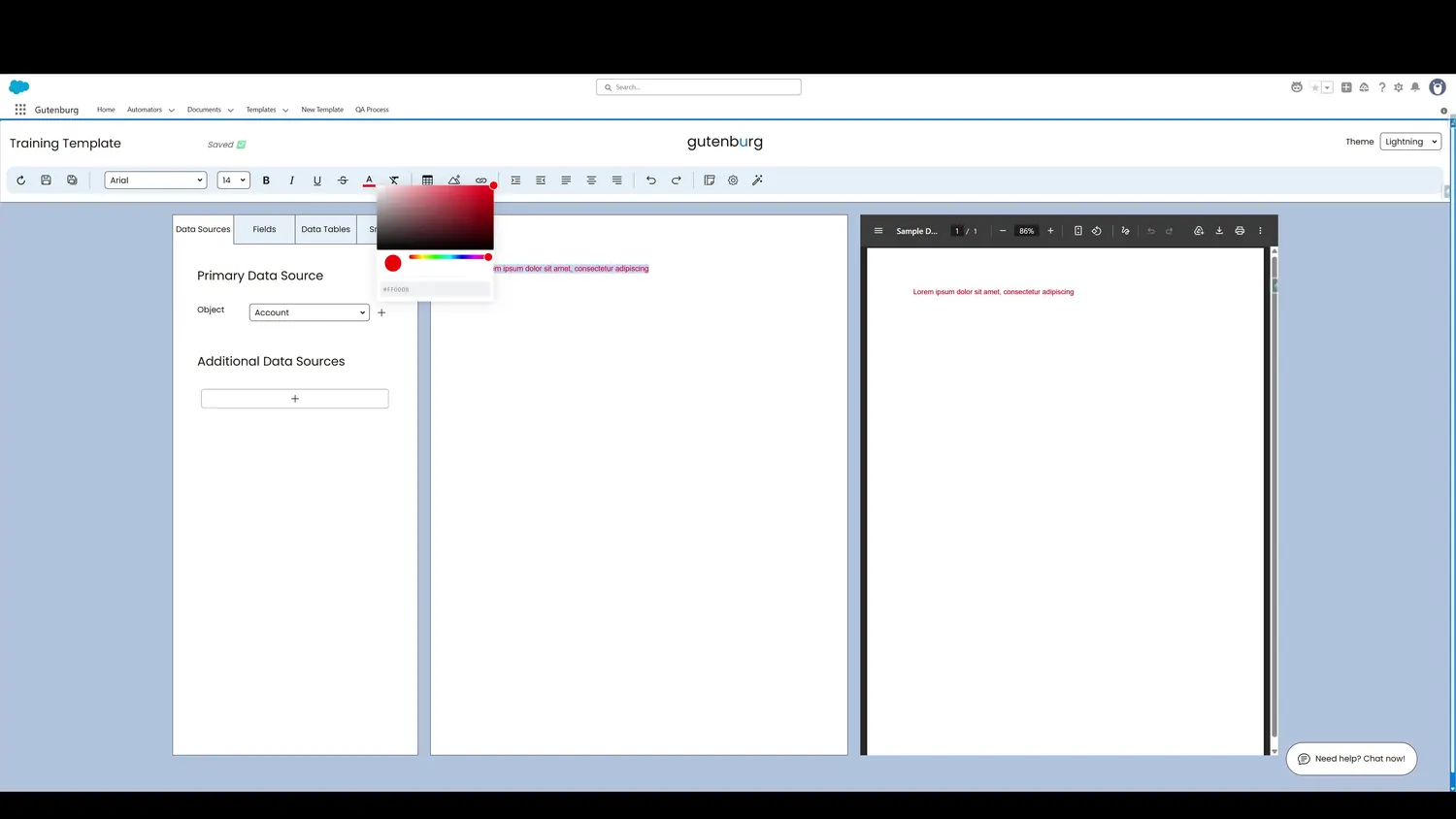
This guide covers change text color in Gutenburg. Color can be selected either by dragging the slider or pasting a hexadecimal value.
Workflow
- Color SelectionColor can be selected either by dragging the slider or pasting a hexadecimal value.
- Updated Text ColorOnce the desired color is selected, the text will update to reflect the changes.
Controls and settings
- Color SelectionColor can be selected either by dragging the slider or pasting a hexadecimal value.
- Updated Text ColorOnce the desired color is selected, the text will update to reflect the changes.