
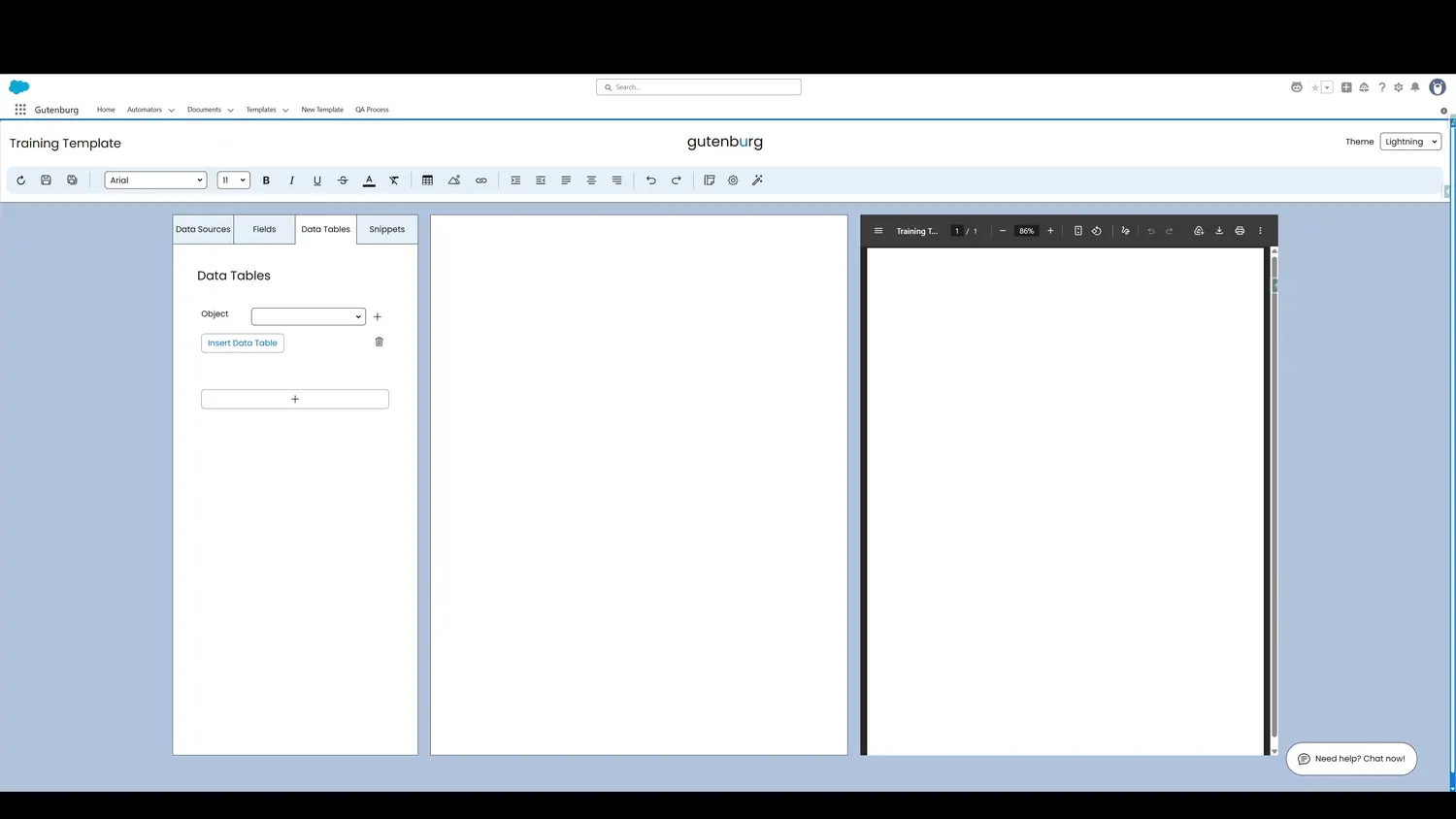
This guide covers create a dynamic data table in Gutenburg. Click the Object dropdown to select the type of record that will be summarized in the table.
Controls and settings
- Data Table ObjectClick the Object dropdown to select the type of record that will be summarized in the table.
How this fits into a template
Data Tables are designed for repeating Salesforce record data. The tour demonstrates object selection, columns, formatting, parent-source filtering, additional filters, ordering, insertion, preview, and cell-level styling.