
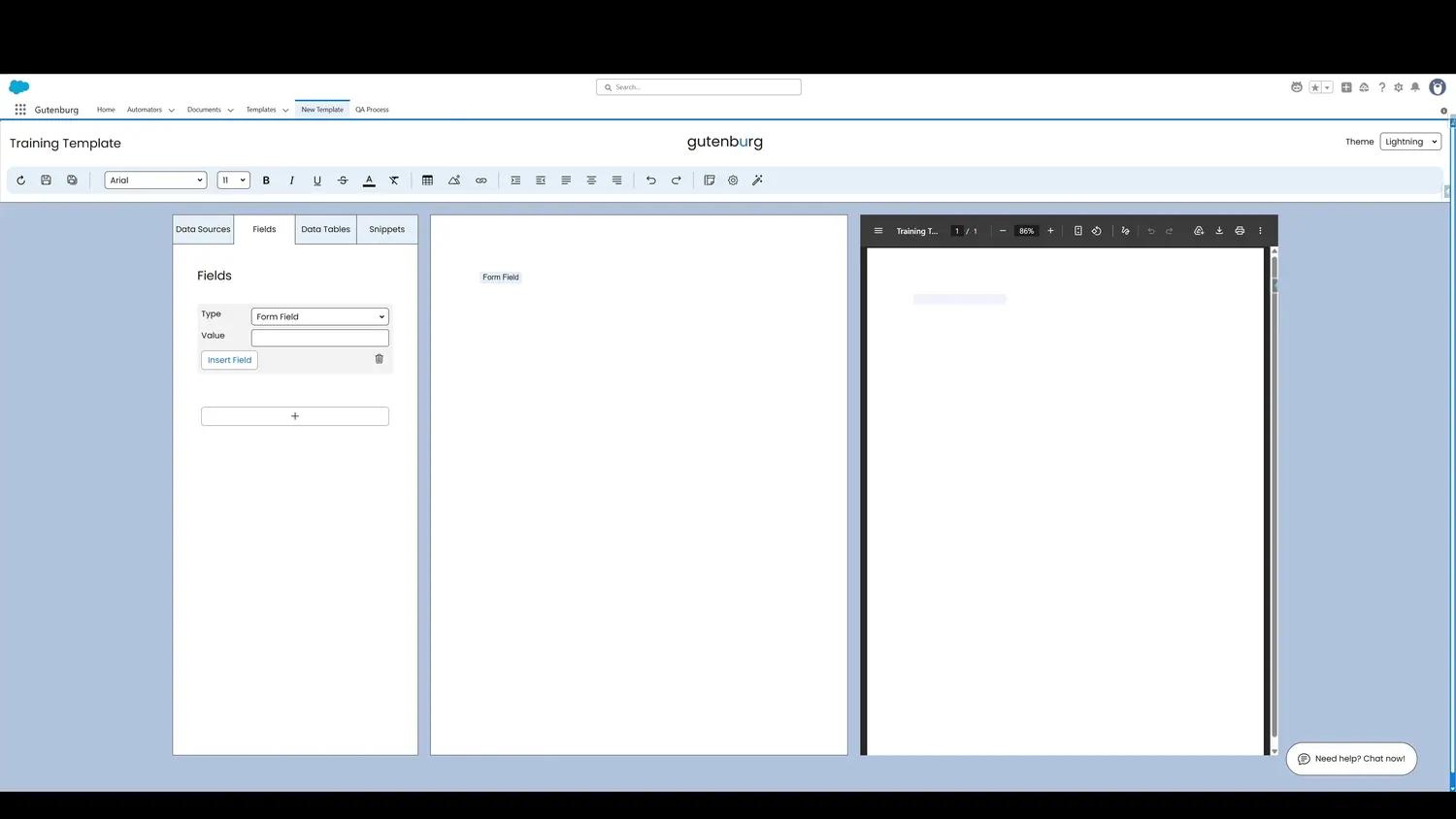
This guide covers preview and test a form field in Gutenburg. The light blue shading in the template canvas represents the fillable field.
Workflow
- Form Field PreviewThe light blue shading in the template canvas represents the fillable field.
- Form Field TestingThe form field can be tested by filling the field directly in the preview. This demonstrates how one would fill info into a PDF.
Controls and settings
- Form Field PreviewThe light blue shading in the template canvas represents the fillable field.
- Form Field TestingThe form field can be tested by filling the field directly in the preview. This demonstrates how one would fill info into a PDF.
How this fits into a template
Form Fields create fillable controls in the PDF and can be tested directly in the Template Builder preview. A default value can also be supplied for prepopulation.