
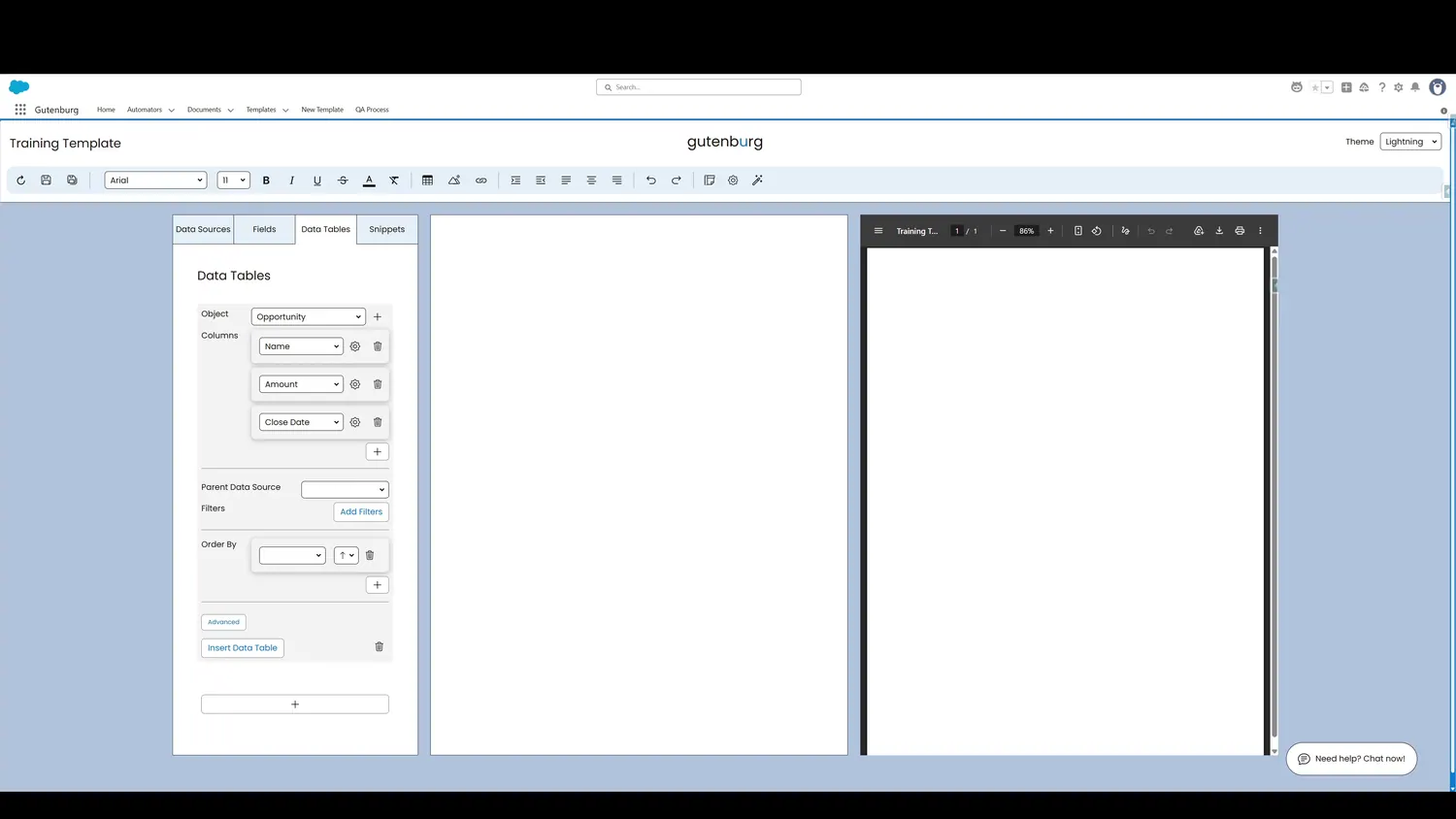
This guide covers choose a parent source in Gutenburg. The Parent Data Source setting offers built-in filtering. If you only want to see records related to your Primary or Additional Sources, select that option here.
Workflow
- Advanced Column FormatThe Parent Data Source setting offers built-in filtering. If you only want to see records related to your Primary or Additional Sources, select that option here.
- Parent Data Source MenuIn this case, we will select Account so that only records related to the account are displayed.
Controls and settings
- Advanced Formatting MenuThe Parent Data Source setting offers built-in filtering. If you only want to see records related to your Primary or Additional Sources, select that option here.
- Parent Data Source MenuIn this case, we will select Account so that only records related to the account are displayed.
How this fits into a template
Data Tables are designed for repeating Salesforce record data. The tour demonstrates object selection, columns, formatting, parent-source filtering, additional filters, ordering, insertion, preview, and cell-level styling.