
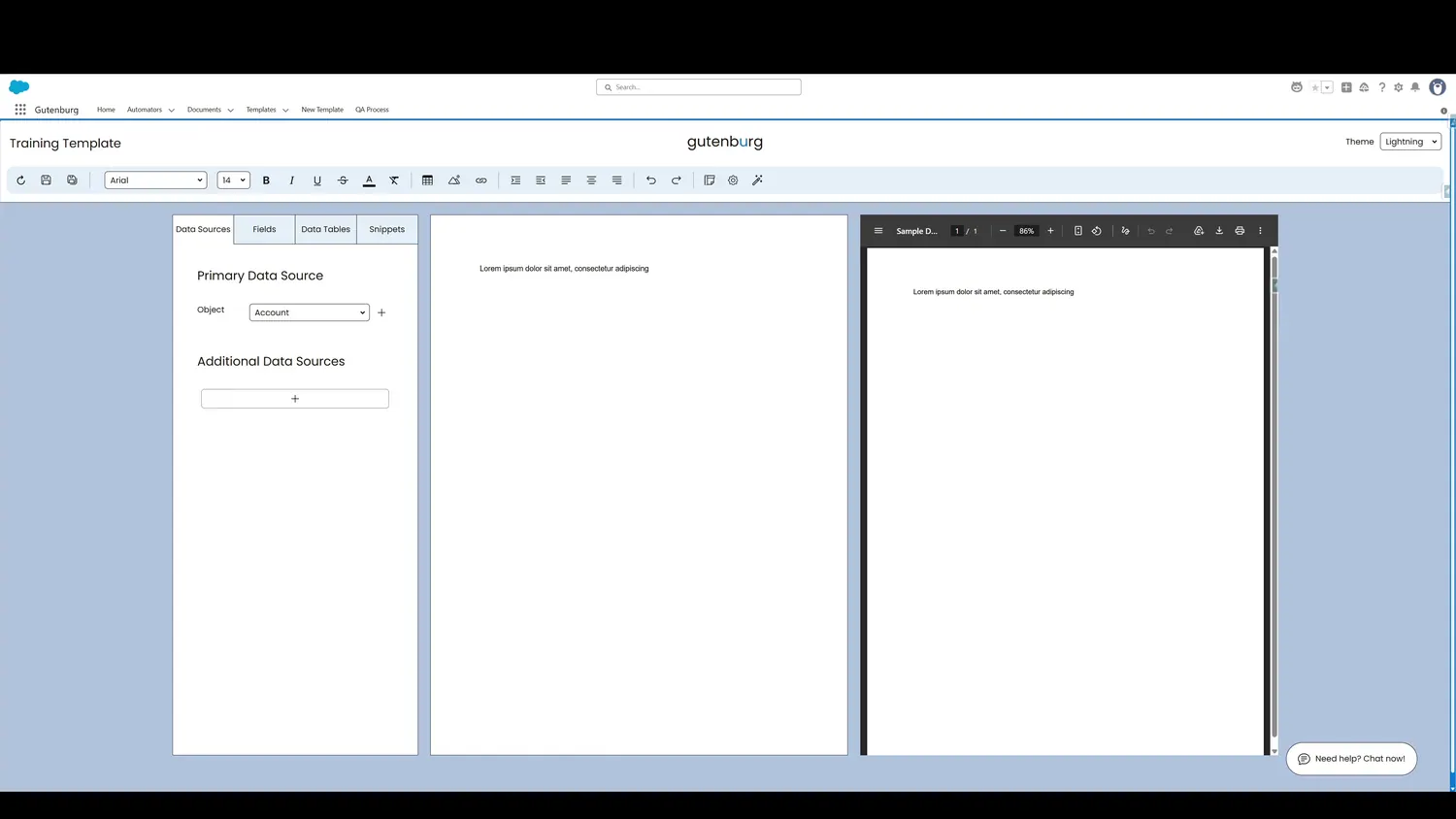
This guide covers align content in Gutenburg. After the button is clicked, the content is left-aligned.
Workflow
- Content Left-AlignedAfter the button is clicked, the content is left-aligned.
- Content Middle-AlignedAfter the button is clicked, the content is middle-aligned.
- Content Right-AlignedAfter the button is clicked, the content is right-aligned.
Controls and settings
- Content Left-AlignedAfter the button is clicked, the content is left-aligned.
- Content Middle-AlignedAfter the button is clicked, the content is middle-aligned.
- Content Right-AlignedAfter the button is clicked, the content is right-aligned.