
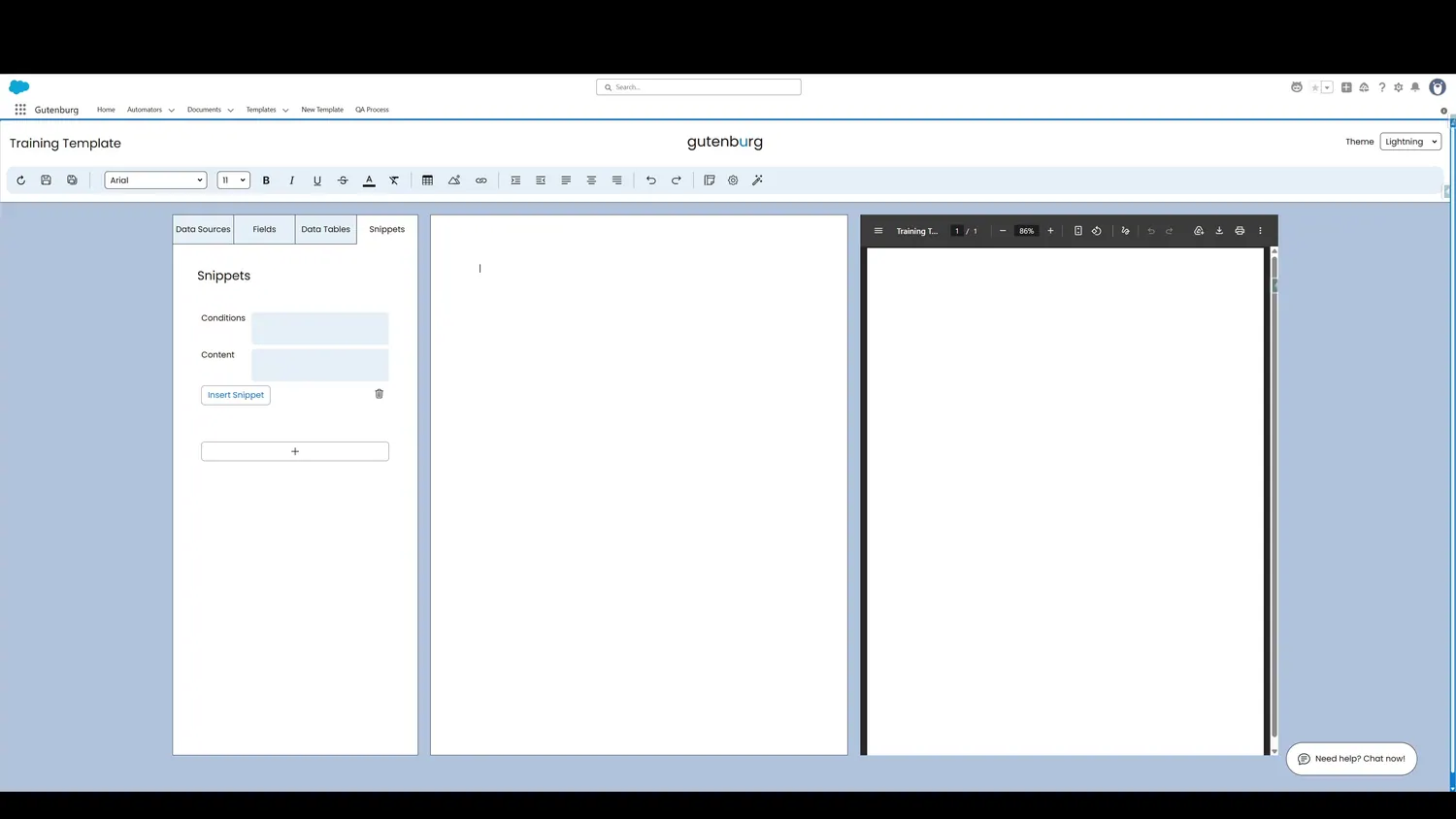
This guide covers create a snippet in Gutenburg. Once the snippet is created, there are a couple of key fields: content and conditions. Click on either to expand the Snippet.
Workflow
- New Snippet CreatedOnce the snippet is created, there are a couple of key fields: content and conditions. Click on either to expand the Snippet.
- Snippet Content FieldEvery Snippet requires content. Define the content within this field to determine what the Snippet contains.
Controls and settings
- New Snippet CreatedOnce the snippet is created, there are a couple of key fields: content and conditions. Click on either to expand the Snippet.
- Snippet Content FieldEvery Snippet requires content. Define the content within this field to determine what the Snippet contains.
How this fits into a template
Snippets are reusable content blocks. They can be inserted multiple times and can use conditions to determine whether their content appears.