
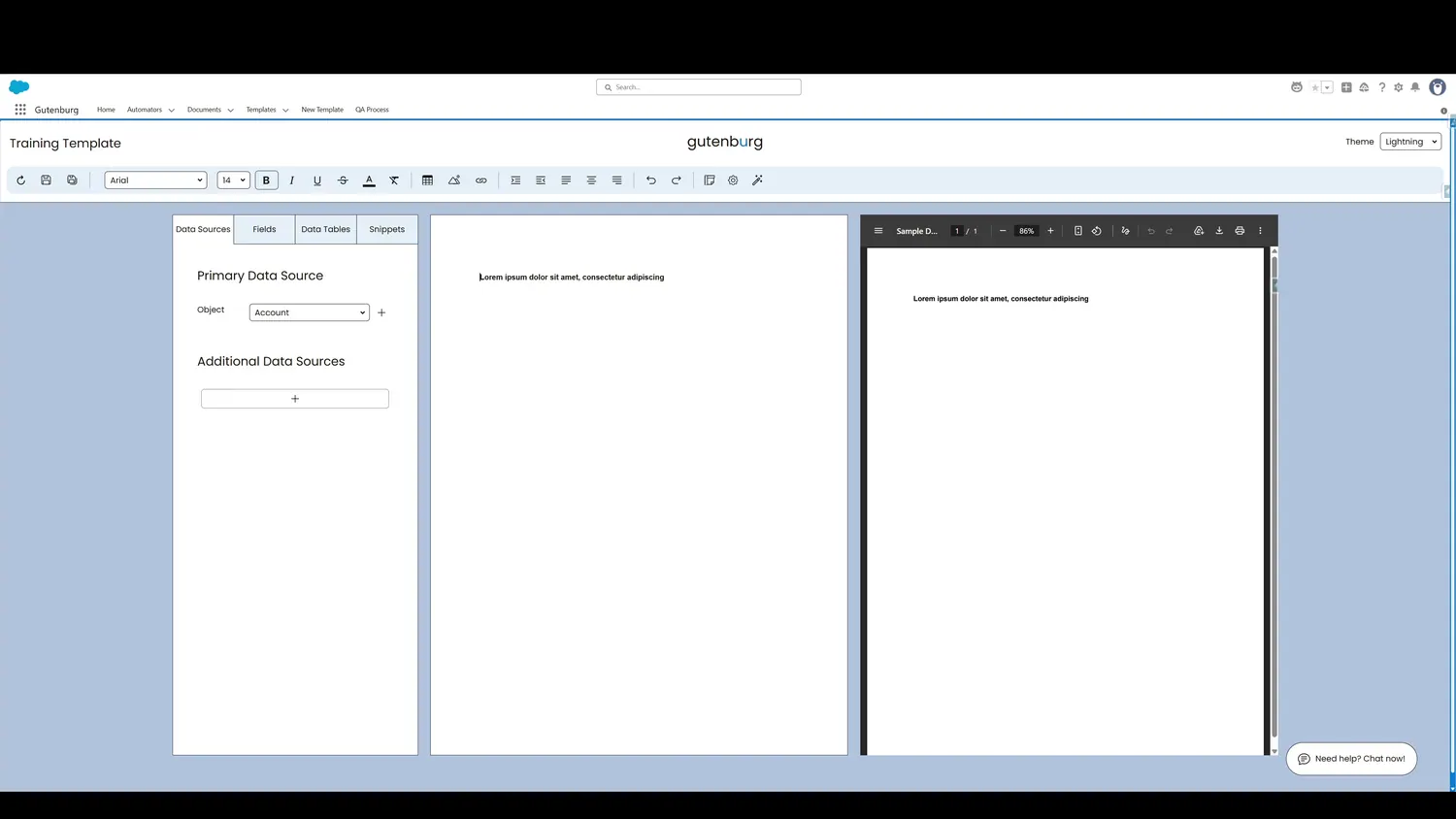
This guide covers bold, italicize, underline, or strike text in Gutenburg. Once clicked, the text is bolded.
Workflow
- Bolded TextOnce clicked, the text is bolded.
- Italicized TextOnce clicked, the text is italicized.
- Underlined TextOnce clicked, the text is underlined.
- Crossed Out TextOnce clicked, the text is crossed out.
Controls and settings
- Bolded TextOnce clicked, the text is bolded.
- Italicized TextOnce clicked, the text is italicized.
- Underlined TextOnce clicked, the text is underlined.
- Crossed Out TextOnce clicked, the text is crossed out.