
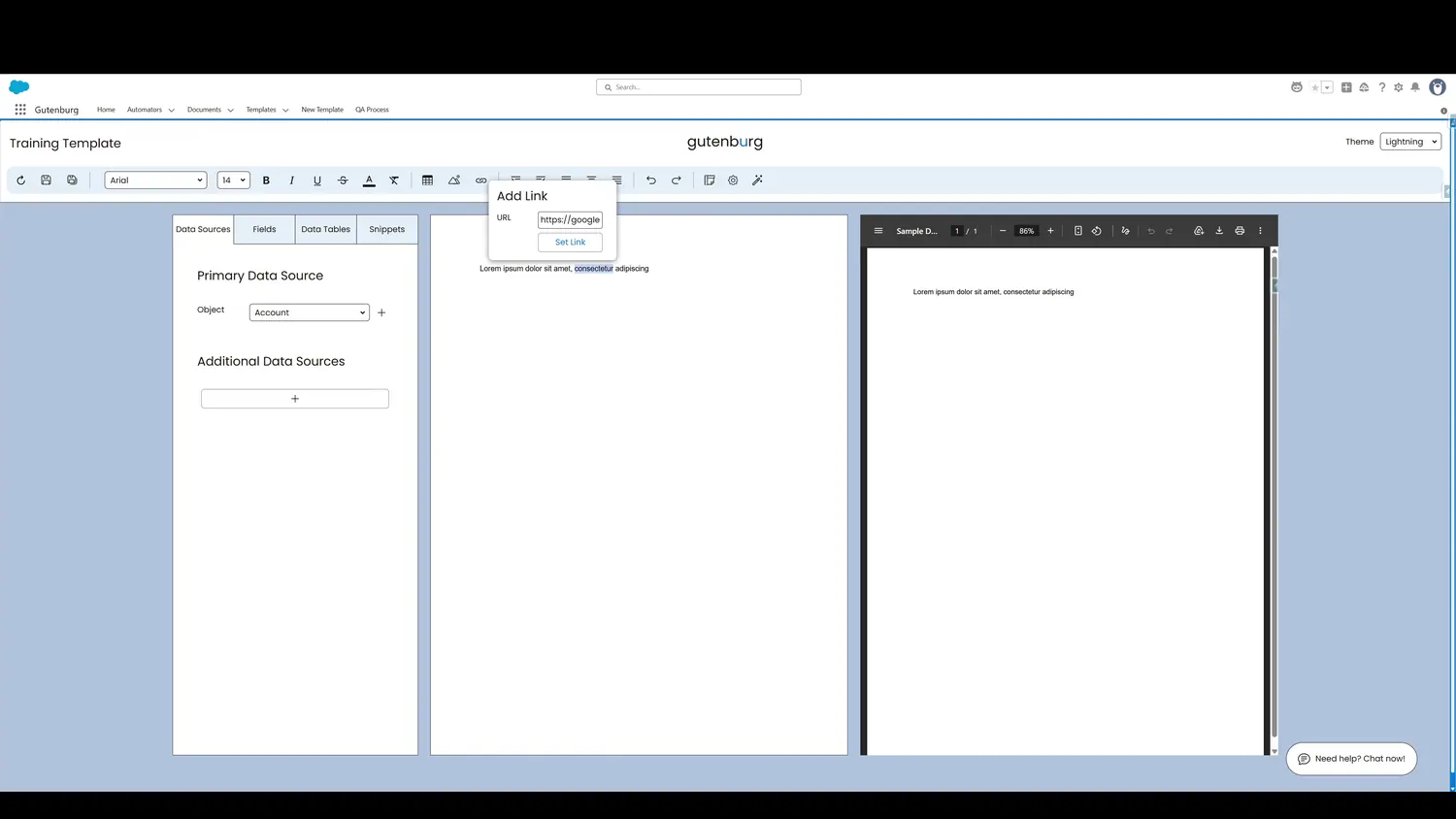
This guide covers insert a hyperlink in Gutenburg. Specify the desired image URL and then insert the link.
Workflow
- Template ThemeSpecify the desired image URL and then insert the link.
- Link AddedAfter Set Link is clicked, the highlighted text is hyperlinked using the specified URL.
Controls and settings
- Link URLAdd the target address of the link here.
- Set LinkClick to insert the desired hyperlink.
- Link AddedAfter Set Link is clicked, the highlighted text is hyperlinked using the specified URL.