
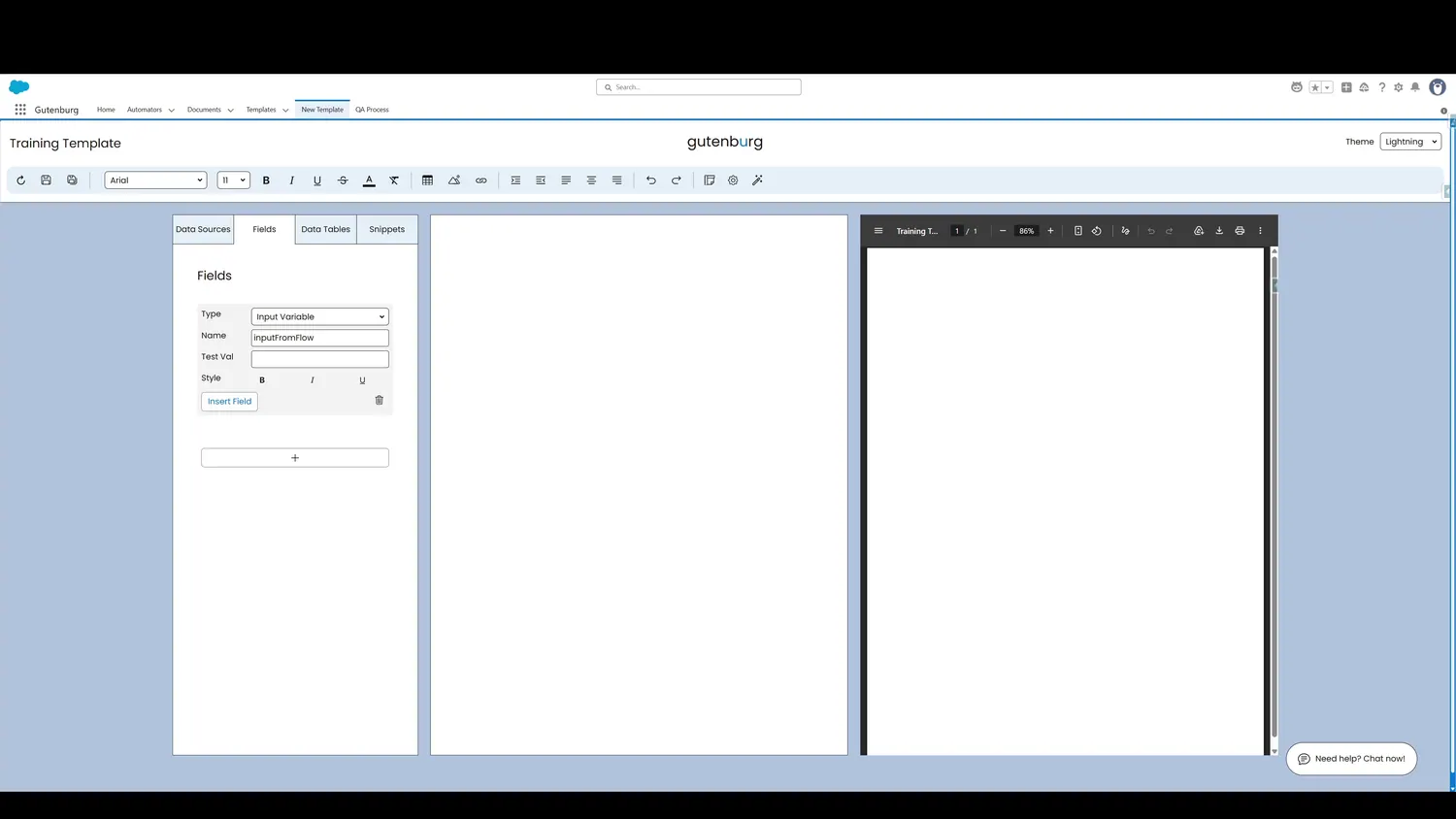
This guide covers insert an input variable in Gutenburg. Once the name is specified, click Insert Field.
Workflow
- Insert Input VariableOnce the name is specified, click Insert Field.
- Input Variable InsertedThe input variable is now added to the template canvas, reflecting where the data passed in will merge.
Controls and settings
- Insert Input VariableOnce the name is specified, click Insert Field.
- Input Variable InsertedThe input variable is now added to the template canvas, reflecting where the data passed in will merge.
How this fits into a template
Input Variables are placeholders for values supplied by Flow or Apex. The variable name in the template should match the name supplied by the automation.