
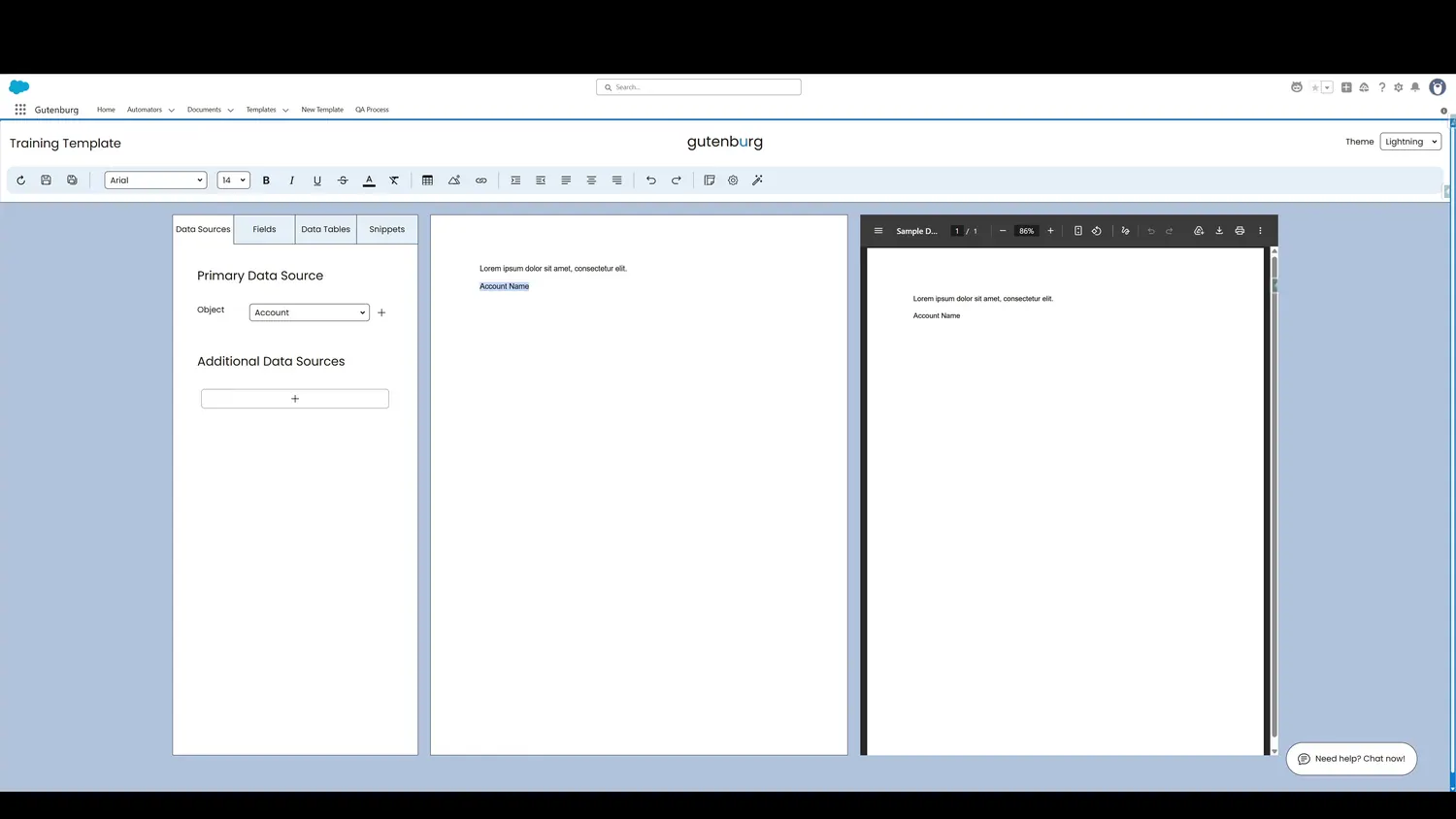
This guide covers use magic wand nlp in Gutenburg. Type in text that describes what dynamic element needs to be magically inserted, then highlight it.
Workflow
- Highlight Plain TextType in text that describes what dynamic element needs to be magically inserted, then highlight it.
- Click the Magic WandWhen the text is selected, click the Magic Wand icon.
- Magic CompleteThe plain text is then transformed into a dynamic element without requiring manual configuration.
Controls and settings
- Highlight Plain TextYou can change the builder theme if desired.
- Click Magic WandWhen the text is selected, click the Magic Wand icon.
- Magic CompleteThe plain text is then transformed into a dynamic element without requiring manual configuration.