
This guide covers add a salesforce data source in Gutenburg. Additional objects, including custom objects, can be added to the list if needed.
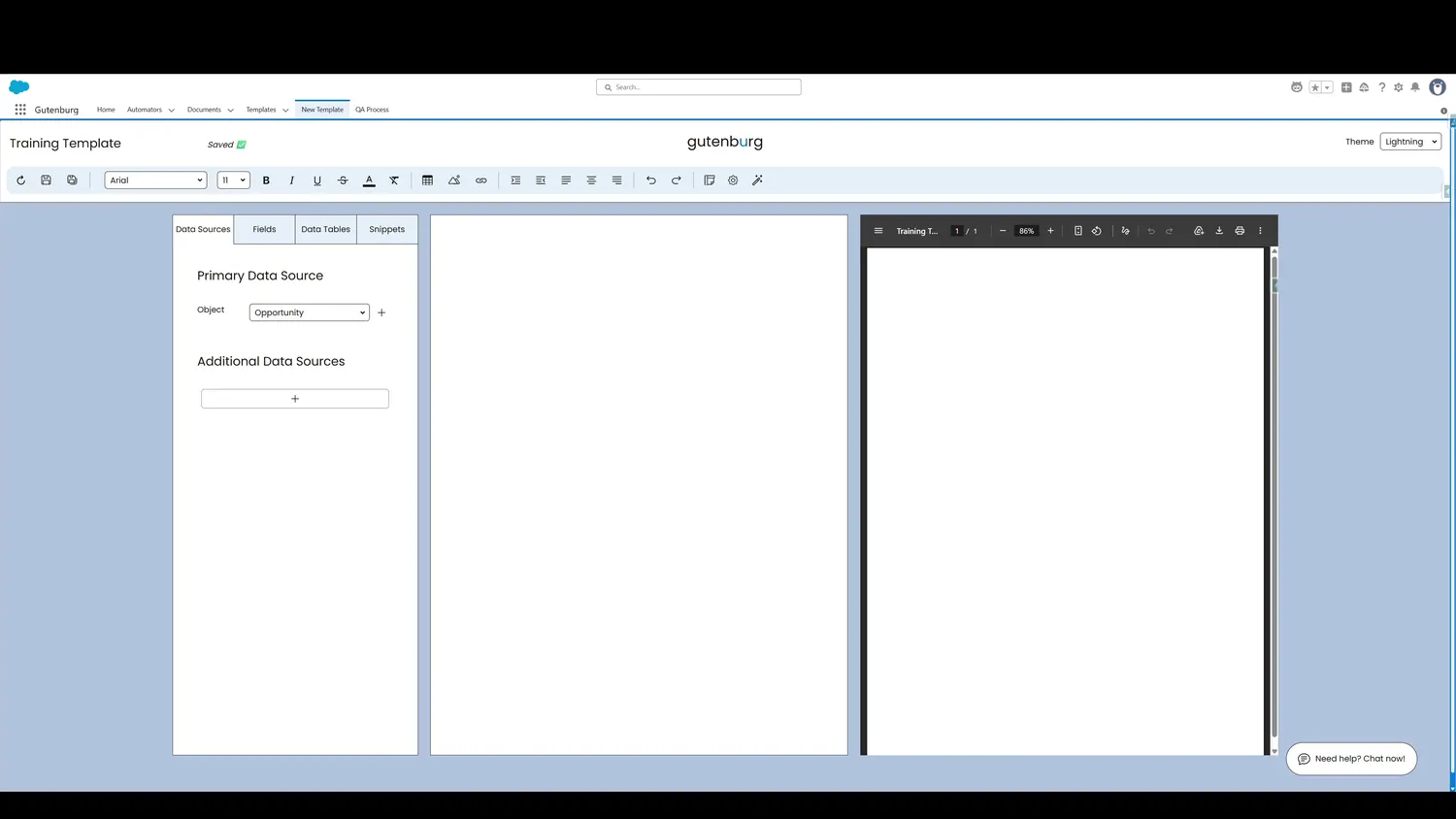
Workflow
- Customize ObjectsAdditional objects, including custom objects, can be added to the list if needed.
- Object ListThis is the list of objects that templates can be built for. Add or remove objects from the list as needed.
- Object ListTo add an object, put the API name on the list. If it is a custom object, make sure to append the '__c'.
Controls and settings
- Customize ListClick the plus sign to customize the list of objects.
- Object ListTo add an object, add its API name to the list. To remove an object, remove its API name from the list.
- Object ListTo add an object, put the API name on the list. If it is a custom object, make sure to append the '__c'.