
This guide covers document settings in Gutenburg. Click here to change settings about how the document saves and which test record to use.
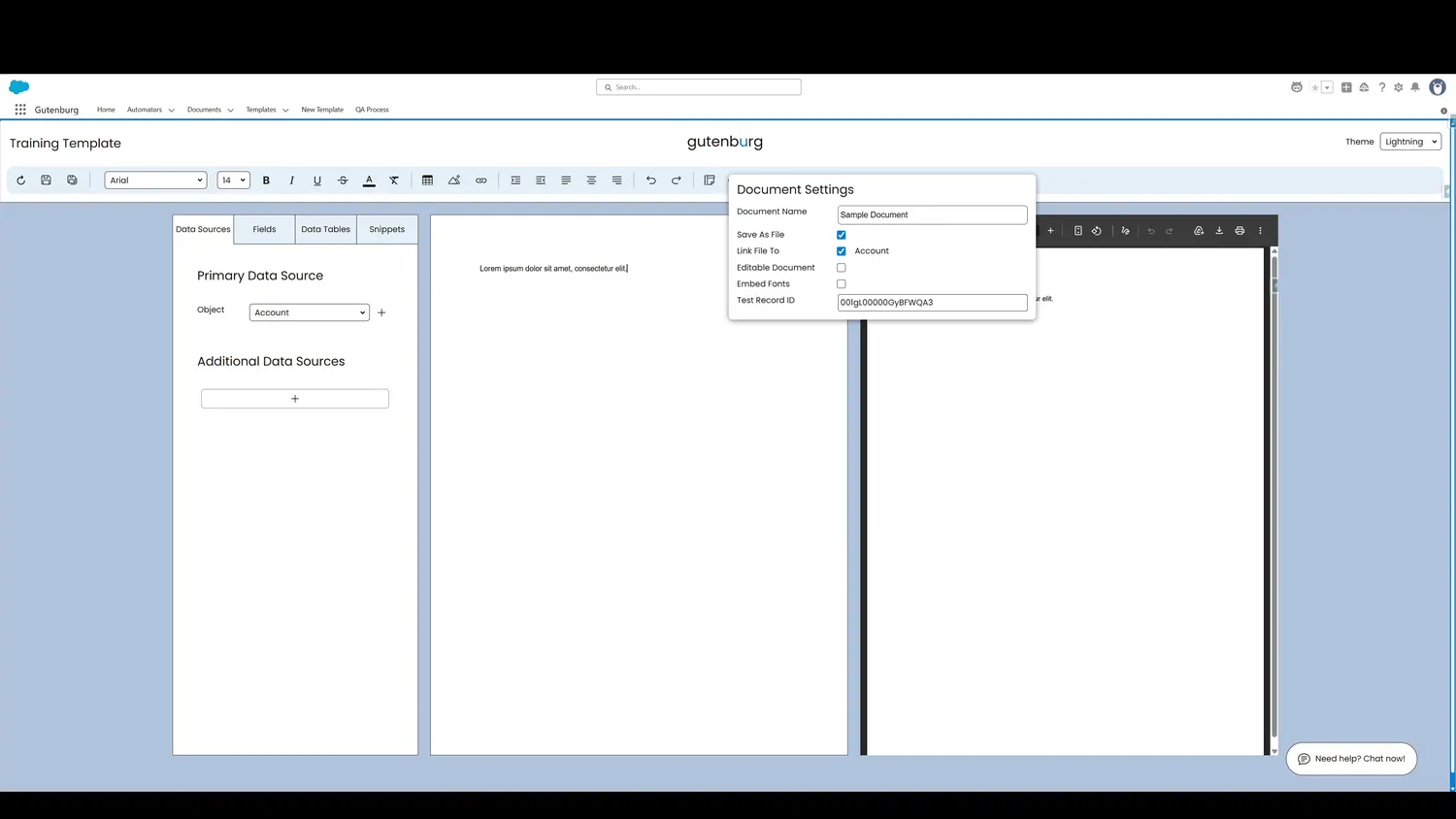
Controls and settings
- Document NameSpecify the naming convention for the PDFs generated by this template. Static values or dynamic data fields can be used.
- Save Document as FileSpecifies if the resulting PDF is saved as a Salesforce File or not.
- Link File to Source RecordSpecifies if the resulting PDF is linked to the source record or not.
- Enable Document EditingSpecifies if PDFs generated by this template are editable to the user or not.
- Embed FontsThis accessibility feature embeds fonts directly into the PDF, making documents compatible with screen readers.
- Specify Test RecordSupply a Salesforce record ID that determines which data to use in the real time preview, making template updates fast to test.