
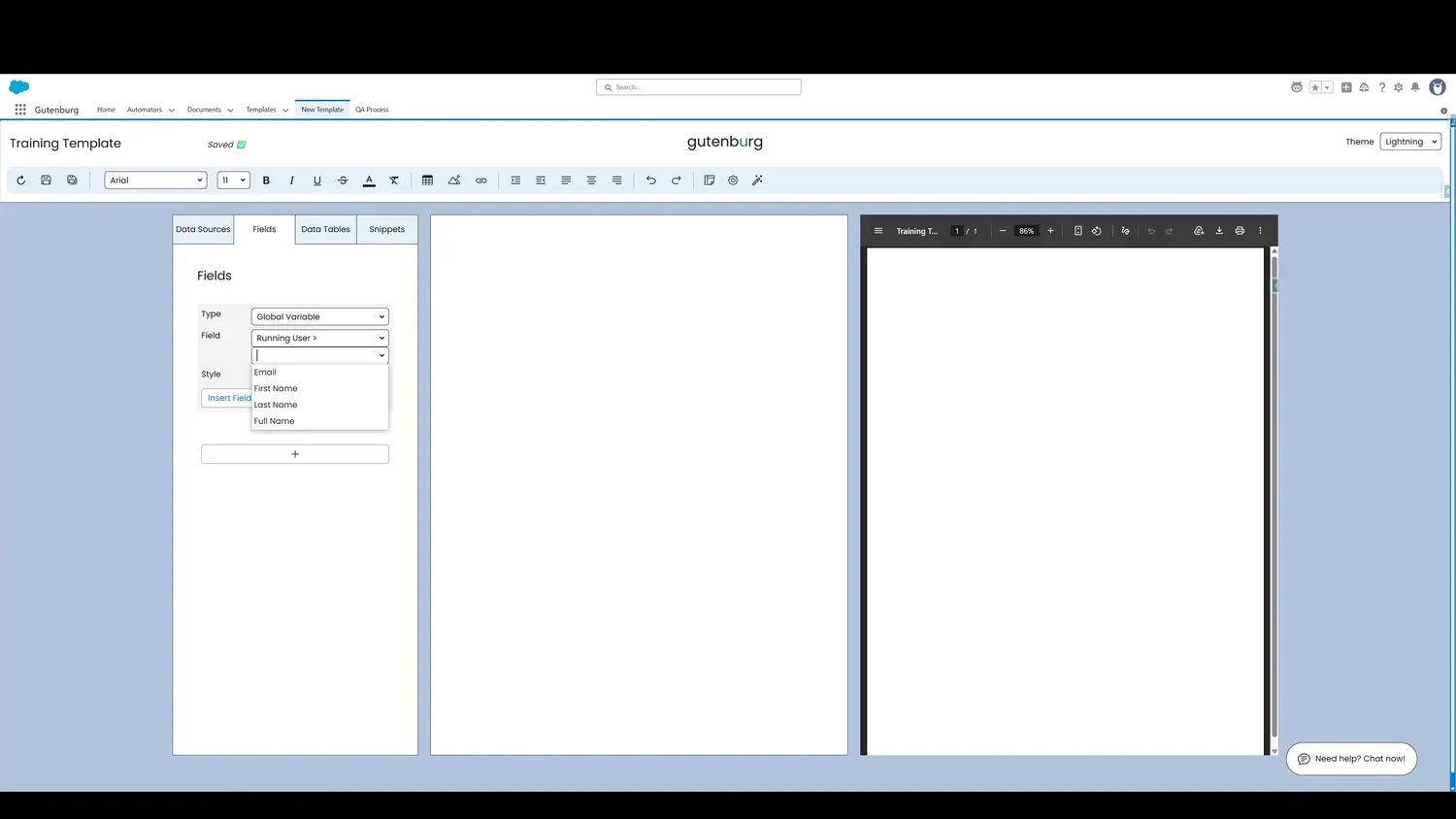
This guide covers insert a global variable in Gutenburg. In this case, the running user category is selected. The fields in this category are now available for selection.
Workflow
- Running User FieldsIn this case, the running user category is selected. The fields in this category are now available for selection.
- Click Insert FieldThe Full Name field is now selected. Click Insert Field to add it to the page.
- Click Insert FieldThe field is now added to the template canvas and previewed in the template preview.
Controls and settings
- Running User FieldsIn this case, the running user category is selected. The fields in this category are now available for selection.
- Click Insert FieldThe Full Name field is now selected. Click Insert Field to add it to the page.
- Click Insert FieldThe field is now added to the template canvas and previewed in the template preview.