
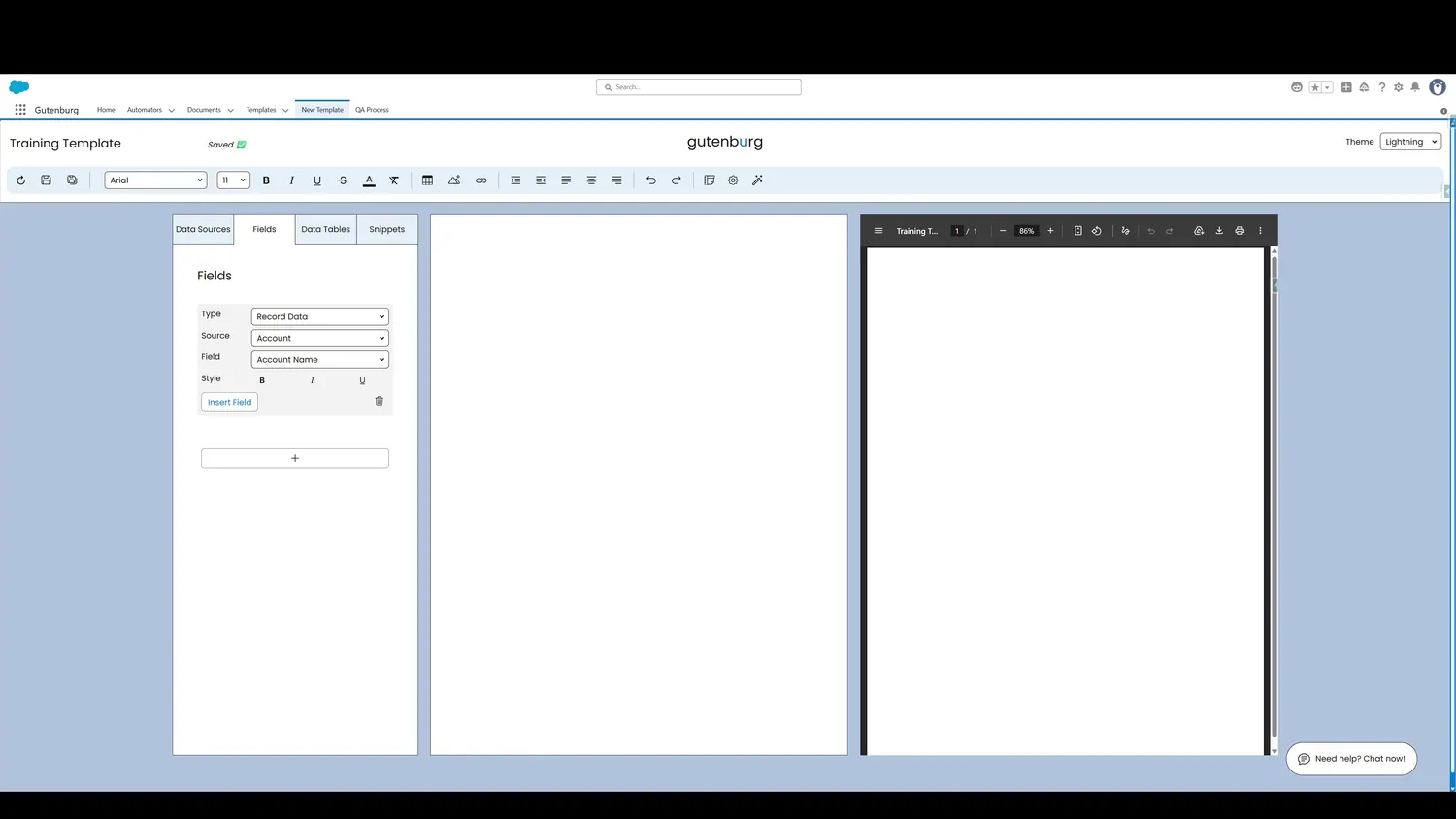
This guide covers select and insert a salesforce field in Gutenburg. Once a field is selected, click Insert Field to add it to the template canvas.
Workflow
- Field SelectedOnce a field is selected, click Insert Field to add it to the template canvas.
- Field InsertedThe placeholder on the canvas represents data that will merge from Salesforce when the template is used.
Controls and settings
- Insert FieldOnce a field is selected, click Insert Field to add it to the template canvas.
- Field InsertedThe placeholder on the canvas represents data that will merge from Salesforce when the template is used.