
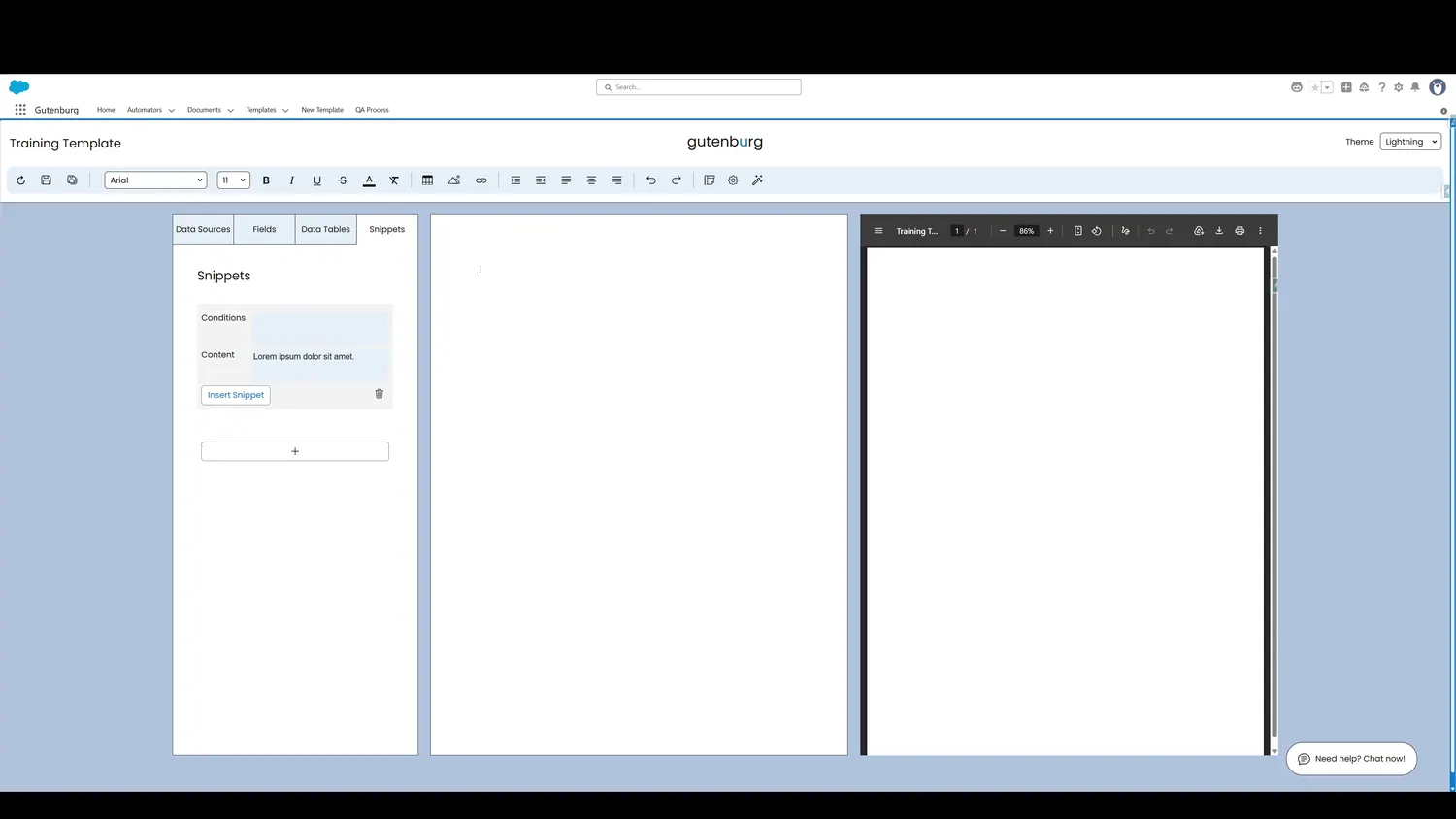
This guide covers insert a snippet in Gutenburg. Click Insert to place the Snippet into the template.
Workflow
- Insert SnippetClick Insert to place the Snippet into the template.
- Snippet in CanvasThe Snippet is now inserted into the template canvas. The content gets truncated to make the template easier to read.
Controls and settings
- Insert SnippetClick Insert to place the Snippet into the template.
- Snippet in CanvasThe Snippet is now inserted into the template canvas. The content gets truncated to make the template easier to read.
How this fits into a template
Snippets are reusable content blocks. They can be inserted multiple times and can use conditions to determine whether their content appears.