
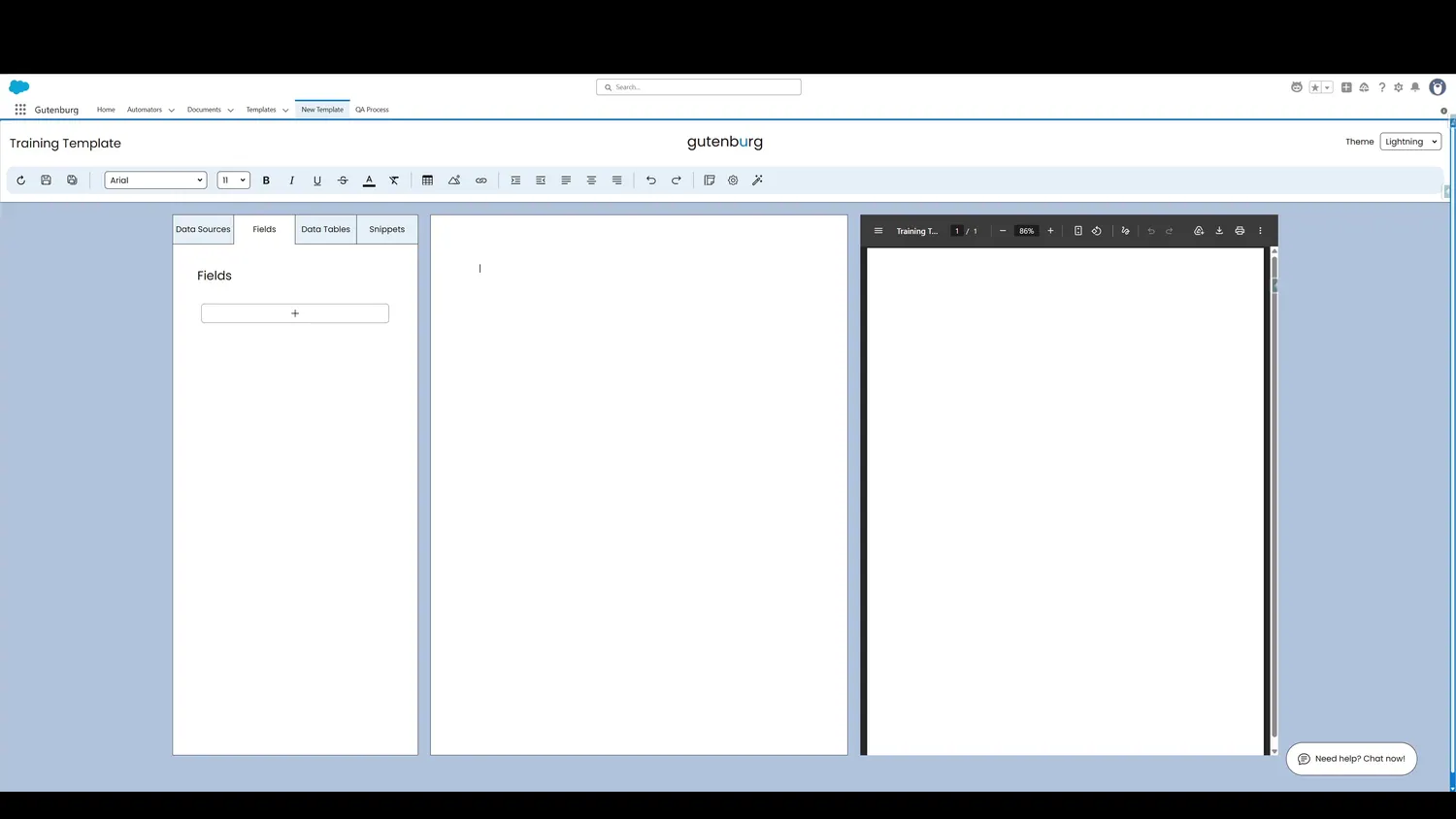
This guide covers fields overview in Gutenburg. Create a new field by clicking the plus sign.
Workflow
- Creating a FieldCreate a new field by clicking the plus sign.
- Additional Data SourceOnce a field is created, the next step is to choose the field type. By default, record data is selected because it is the most common type of field, but other types exist as well.
- Additional Data SourceThe field types include Record Data, Global Variables, Input Fields, and Form Fields. Each one serves a useful, but distinct, purpose.
Controls and settings
- Create New FieldClicking here creates a new field.
- Field Type DropdownOnce a field is created, the next step is to choose the field type. By default, record data is selected because it is the most common type of field, but other types exist as well.
- Field Types: Record DataRecord Data retrieves information from a Salesforce record, driven by the Primary Object configuration. Retrieiving information from related records - one or many relationships removed - is also supported.
- Field Types: Global VariableGlobal Variables contains useful fields that merge information like today's date, name of the user who created the PDF, document name, and more.
- Field Types: Input VariableInput Variables allow information to be passed into the template, typically from a Flow. This allows rich user interaction or robust automation, making it a flexible option for advanced use cases.
- Field Types: Form FieldForm Fields allow a fillable field to be embedded in the template. This field can be filled by any recipient, even on mobile devices, allowing for dynamic forms.