
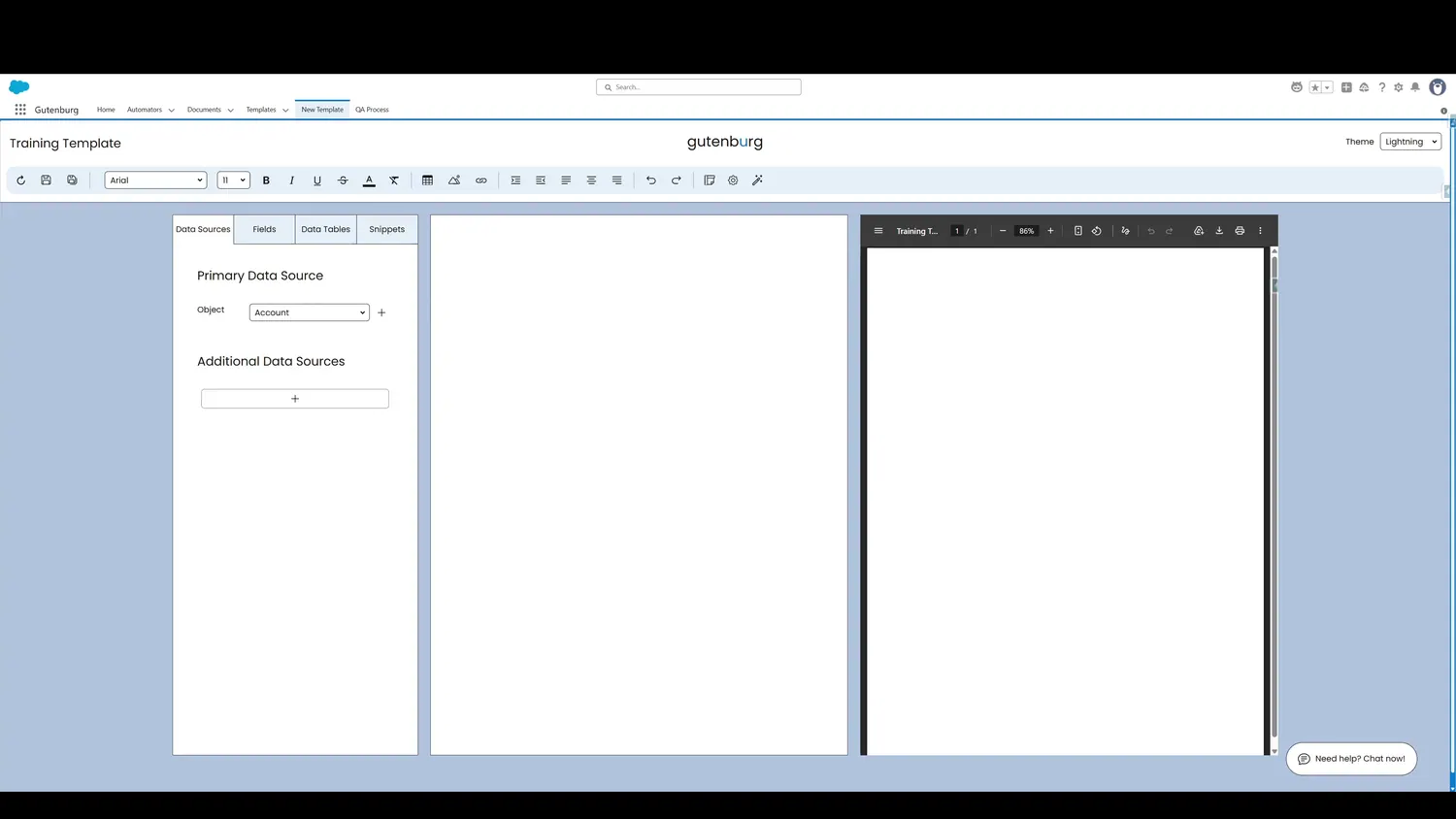
This guide covers choose parent and related data sources in Gutenburg. An additional data source can be configured by clicking the plus sign in that section.
Workflow
- Additional Data SourceAn additional data source can be configured by clicking the plus sign in that section.
- Additional Data SourceAn additional data source can be configured by clicking the plus sign in that section.
Controls and settings
- Additional Data SourceAn additional data source can be configured by clicking the plus sign in that section.
- Additional Data Source NameThis is where an alias is applied to the additional data source. Name it something informative.
- Additional Data Source ObjectThis is where the source object is selected.
- Parent Data SourceThis is a filter shortcut, allowing only children of the primary data source record to be retrieved if desired.
- Additional Data Source FiltersThis setting allows the retrieved record(s) to be filtered based on criteria.
- Additional Data Source OrderThis allows the returned set of records to be filtered. This is useful for tasks like retrieving the largest Opportunity record related to an Account.