
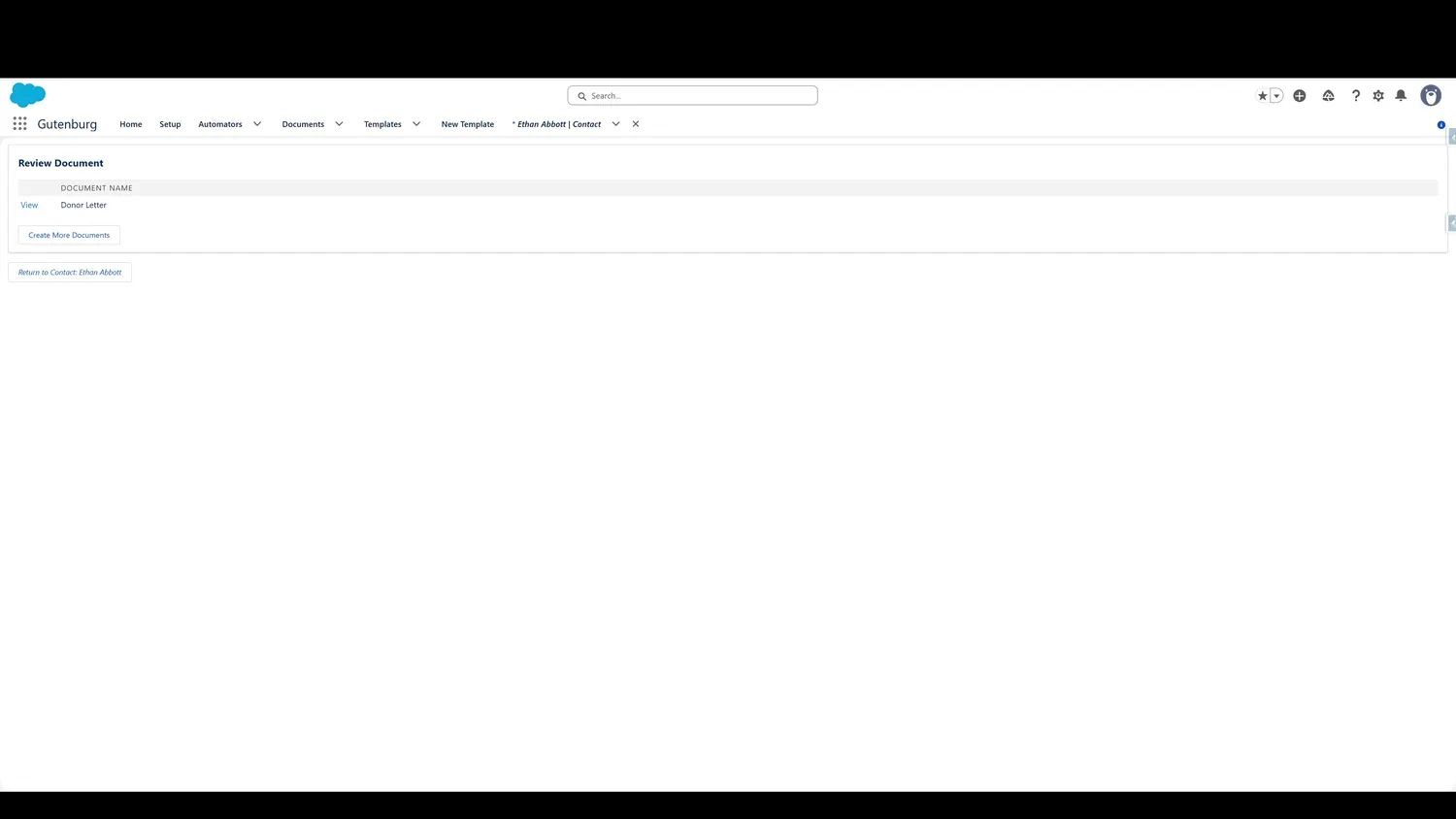
This guide covers review a generated pdf in Gutenburg. Now, data has been merged from the record into the template, creating the dynamic PDF. Click View to see the PDF.
Workflow
- PDF CreatedNow, data has been merged from the record into the template, creating the dynamic PDF. Click View to see the PDF.
- Review PDFThe PDF contains branding, Salesforce data, and more. This example is a simple letter, but far more formatted and data-driven PDFs can be created when needed.
- Return to Salesforce RecordClick here to return to the original Salesforce record.
- PDF in FilesThe PDF is attached to the record automatically, making it easy to retrieve when needed and allowing retention for as long as needed.
Controls and settings
- PDF CreatedNow, data has been merged from the record into the template, creating the dynamic PDF. Click View to see the PDF.
- Review PDFThe PDF contains branding, Salesforce data, and more. This example is a simple letter, but far more formatted and data-driven PDFs can be created when needed.
- Return to Salesforce RecordClick here to return to the original Salesforce record.
- PDF in FilesThe PDF is attached to the record automatically, making it easy to retrieve when needed and allowing retention for as long as needed.
How this fits into the end-user workflow
The end-user workflow stays inside the Salesforce context: select the applicable template or templates, create the PDF, review the generated result, and return to the source record.