
This guide covers generate a pdf from a salesforce record in Gutenburg. Users can create PDFs by clicking a button.
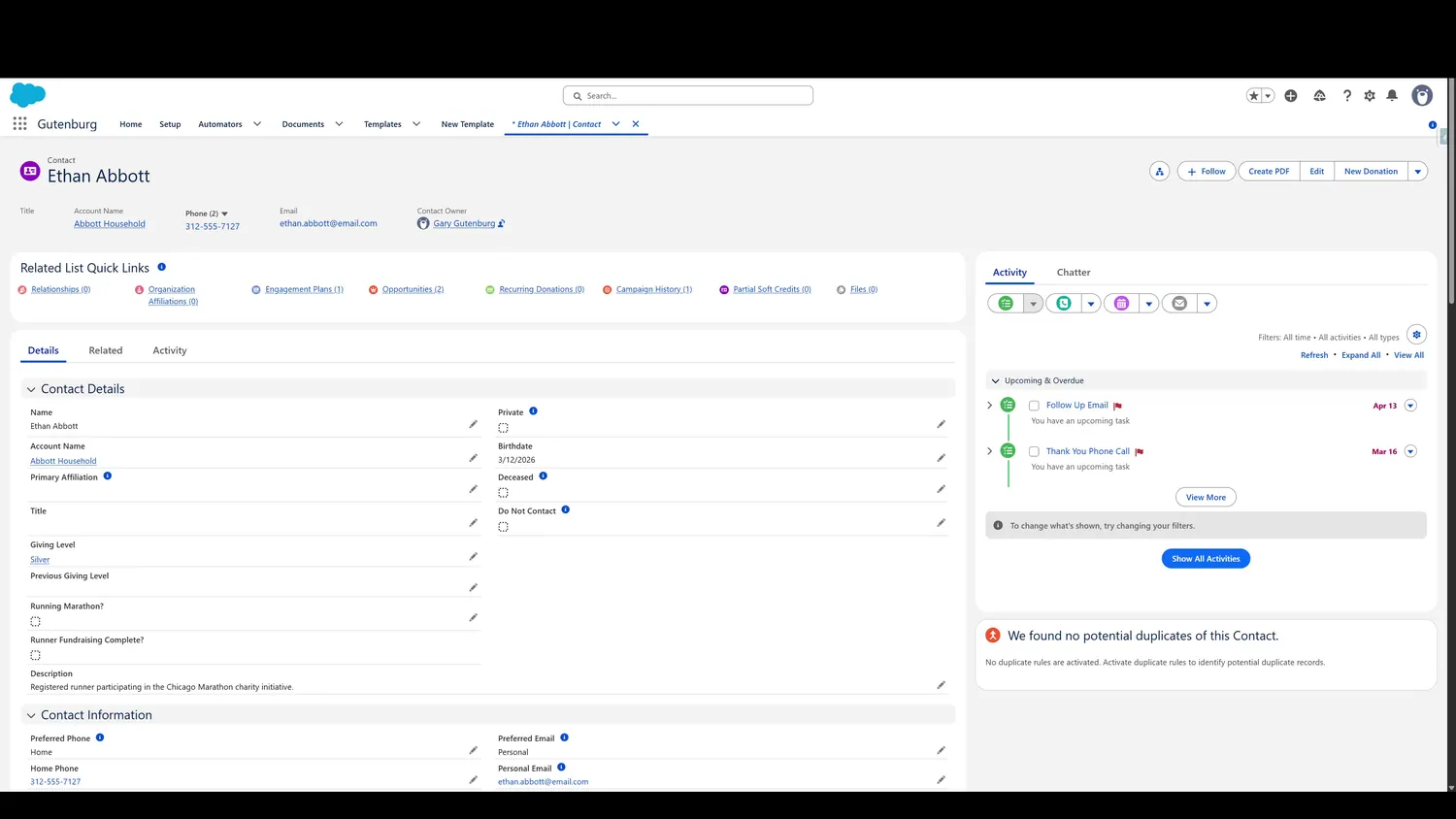
Workflow
- Click to Create a PDFUsers can create PDFs by clicking a button.
- Template ListA list of available templates is presented to choose from.
- Template ListOne or multiple templates can be chosen.
- Click CreateWhen the desired templates are selected, click the 'Create' button.
Controls and settings
- Click to Create a PDFUsers can create PDFs by clicking a button.
- Template ListA list of available templates is presented to choose from.
- Template SelectedOne or multiple templates can be chosen.
- Click CreateWhen the desired templates are selected, click the 'Create' button.
How this fits into the end-user workflow
The end-user workflow stays inside the Salesforce context: select the applicable template or templates, create the PDF, review the generated result, and return to the source record.