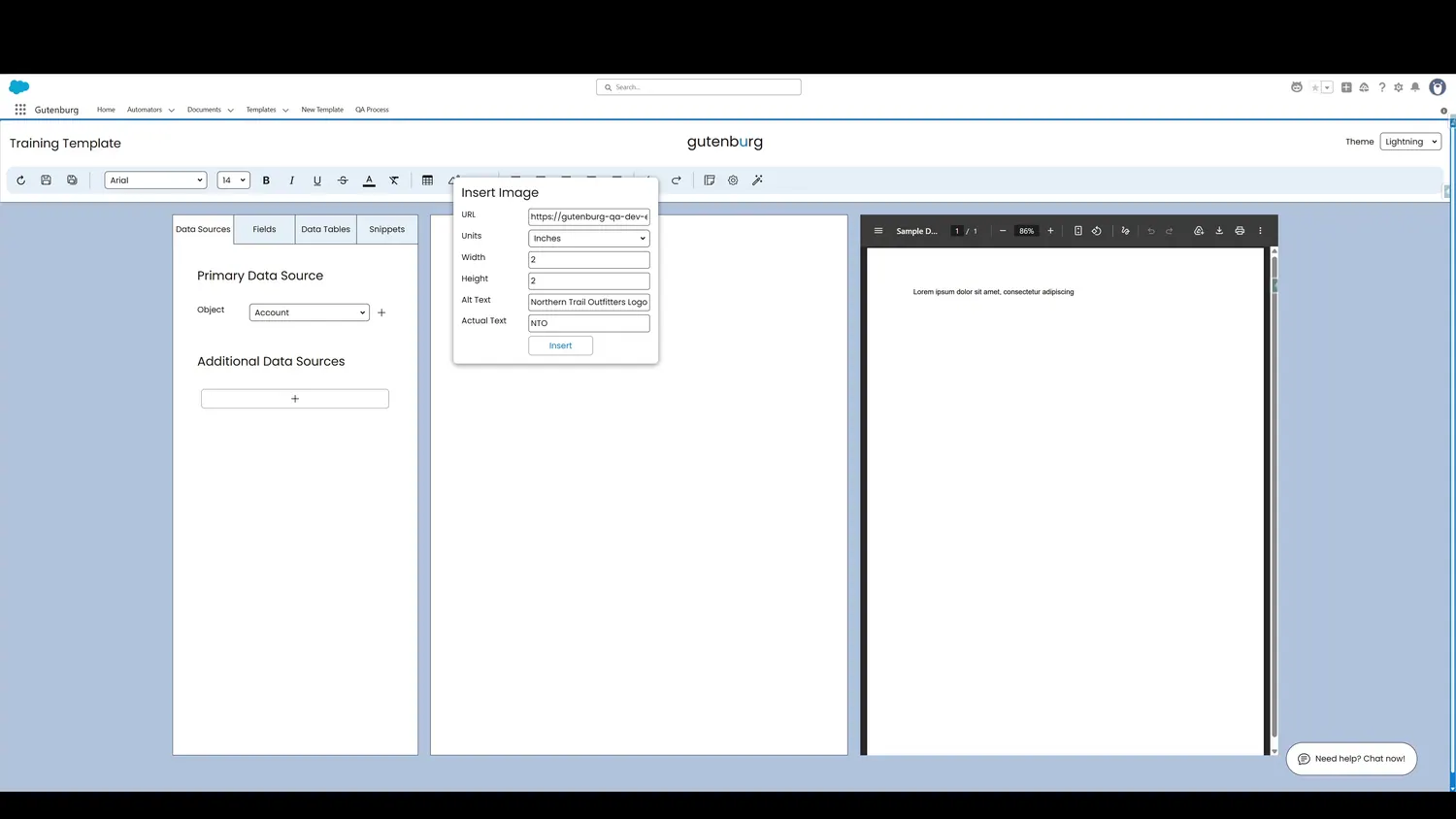
When inserting an image, Gutenburg exposes dedicated fields for Image Alt Text and Image Actual Text. These values let the template author provide the human meaning that cannot be inferred reliably from the image itself.
Image Alt Text
Use alternative text to describe what the image communicates when that information is important to the document.
Image Actual Text
When an image contains text, the Template Builder provides an Actual Text field for a verbatim representation of the text shown in the image.
Image insertion workflow
- Provide the image URL.
- Select the unit of measurement.
- Set width and height.
- Provide alternative text when needed.
- Provide actual text when needed.
- Insert the image into the template.